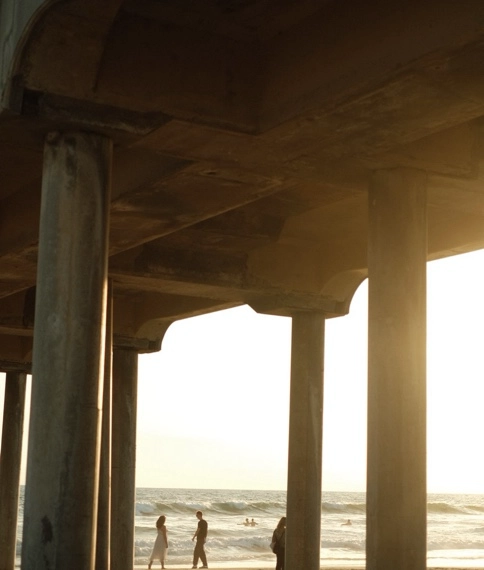
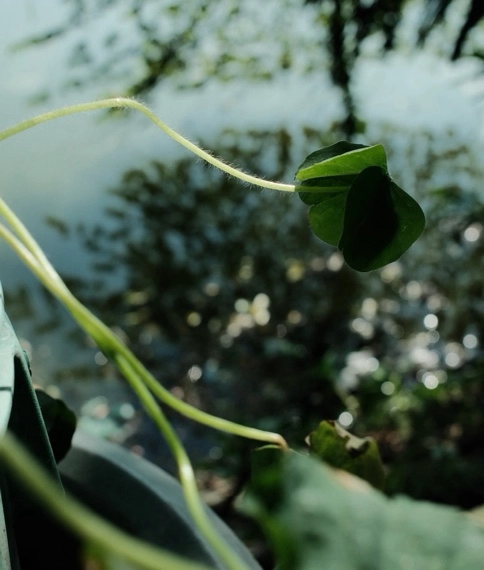
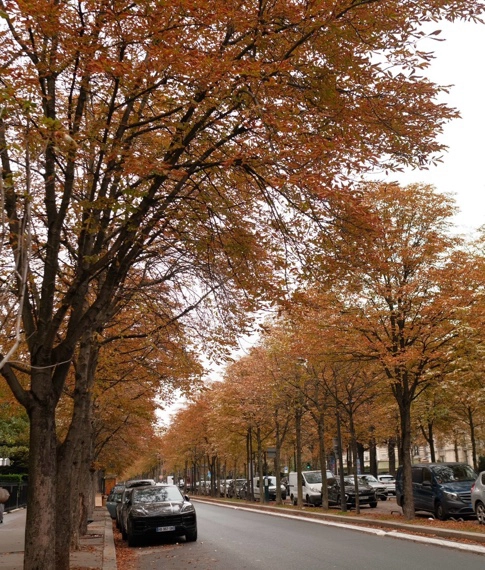
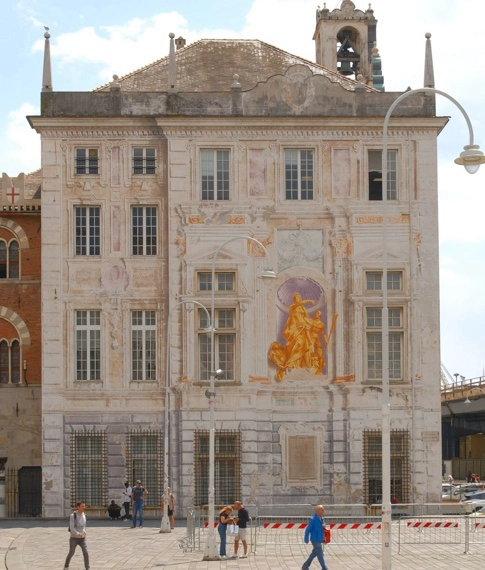
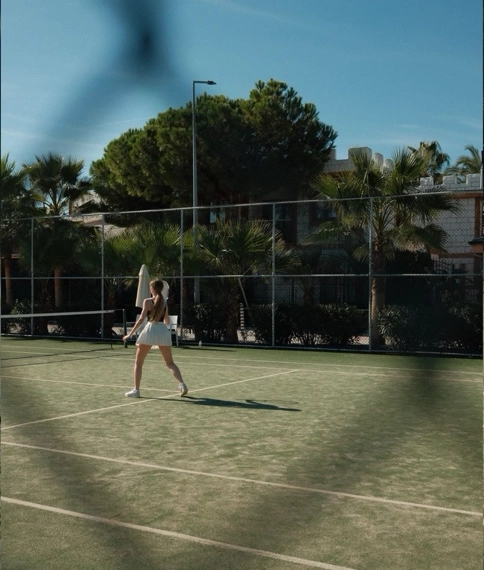
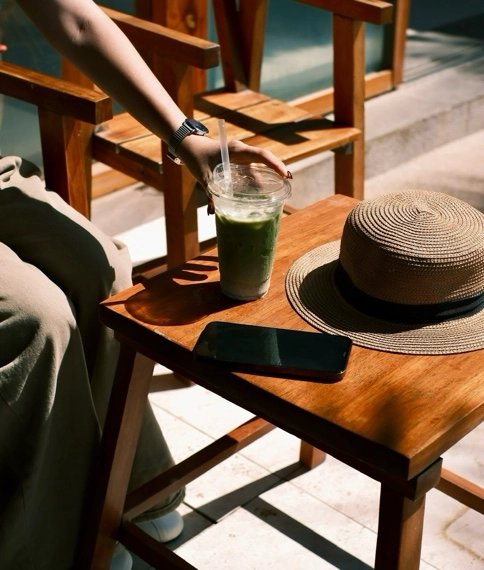
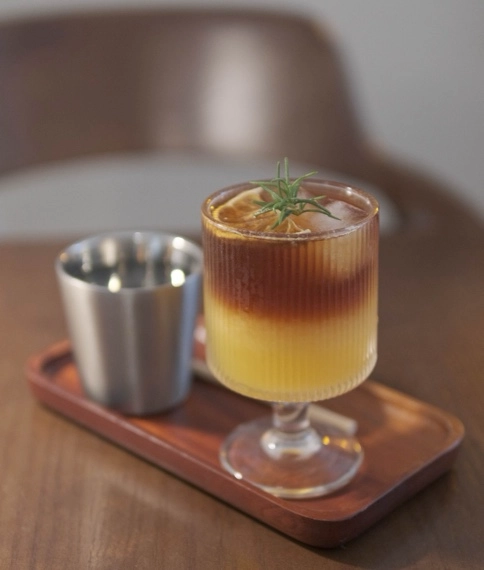
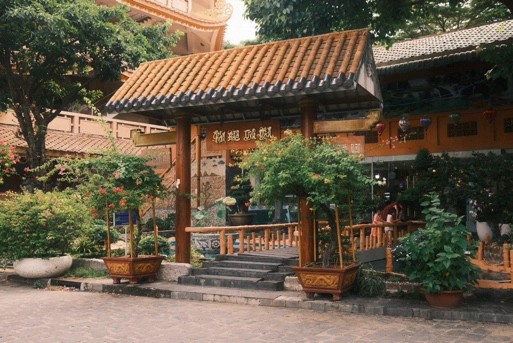
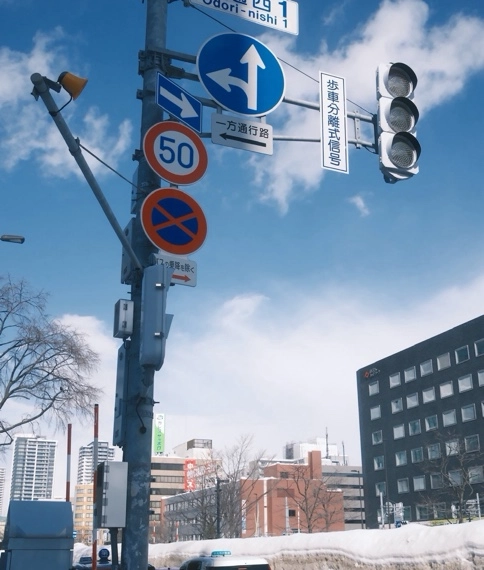
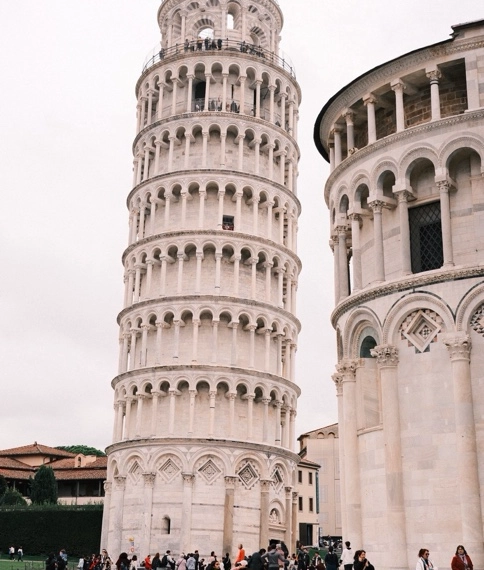
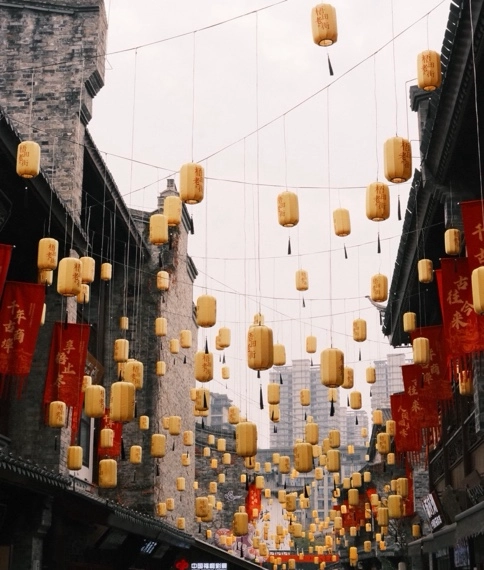
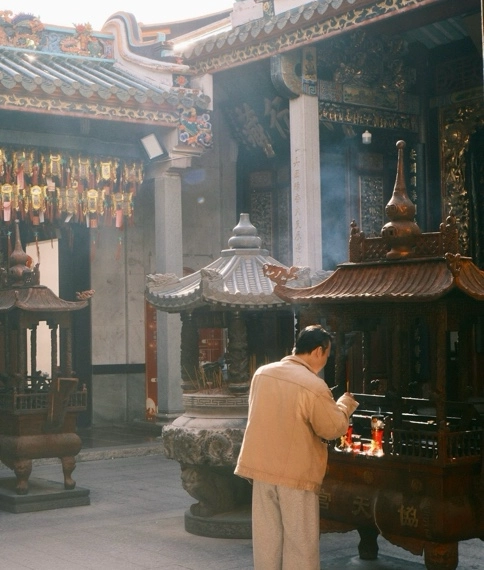
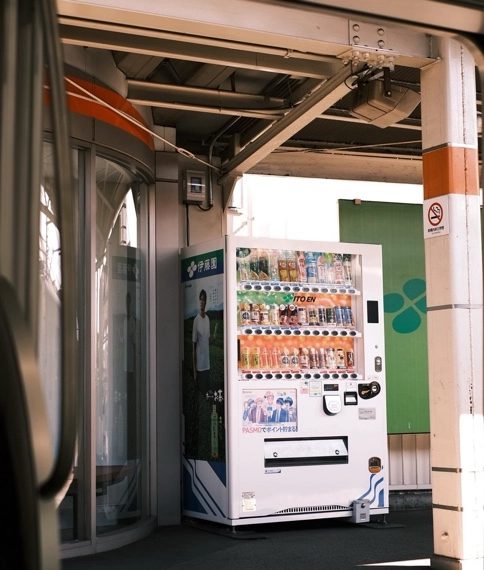
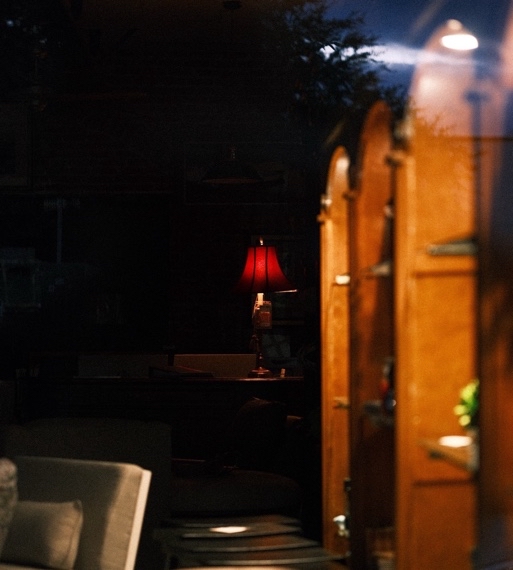
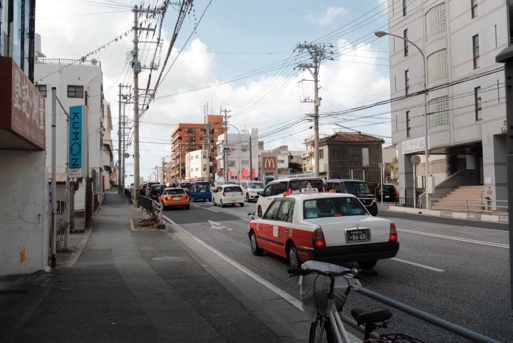
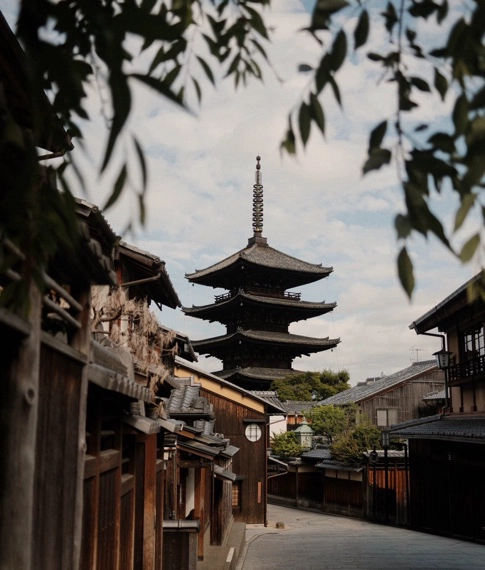
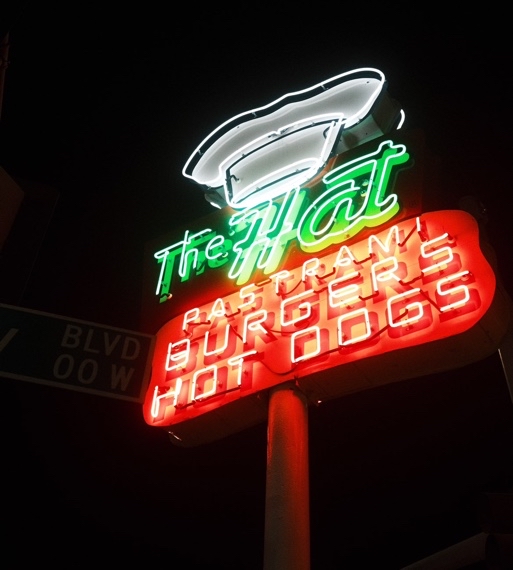
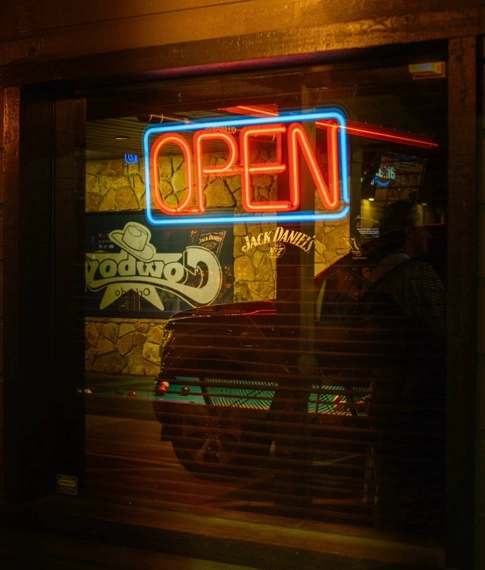
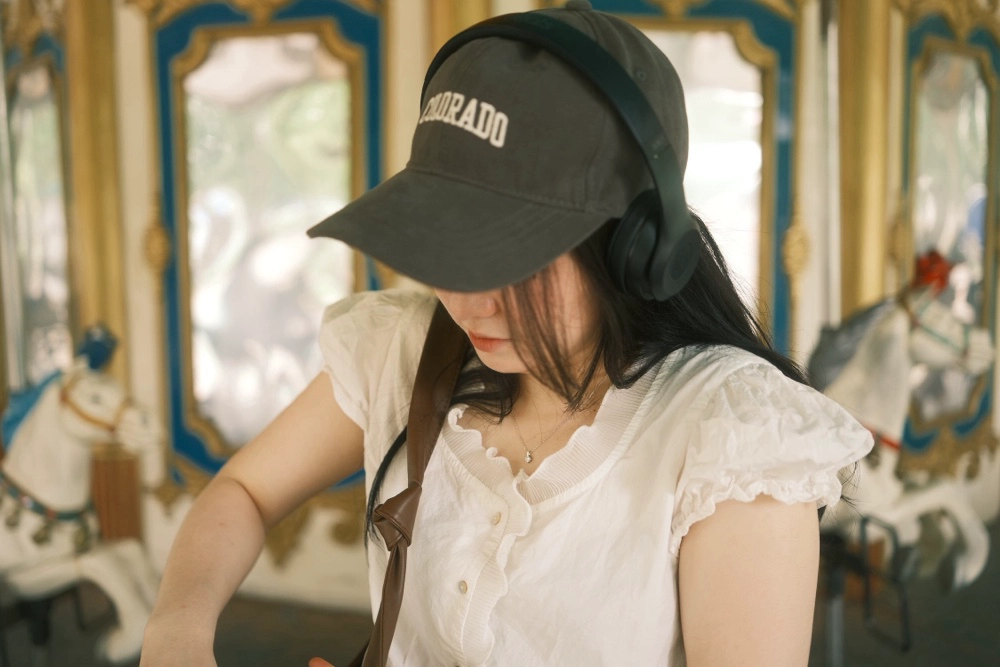
 6 Recipes · C1–C7
X-Trans IV+
Curated C1–C7 Collections
Themed packs of up to 7 Fujifilm film simulation recipes mapped to your camera’s custom settings slots (C1–C7 or C1–C4). Filter by camera body, inspect every slot, and import an entire set in one tap with FujiStyle over Bluetooth or USB.
X-Trans CMOS 5 HR · X-Processor 5 · Supports all 20 simulations (Reala Ace requires firmware 4.00+) across C1–C7 via Bluetooth or USB.
Showing 15 of 15 curated recipe sets compatible with X-T5
Each set maps cleanly to camera custom slots
6 Recipes · C1–C7 5 Recipes · C1–C7
 6 Recipes · C1–C7
 7 Recipes · C1–C7
 7 Recipes · C1–C7
 5 Recipes · C1–C7
 7 Recipes · C1–C7
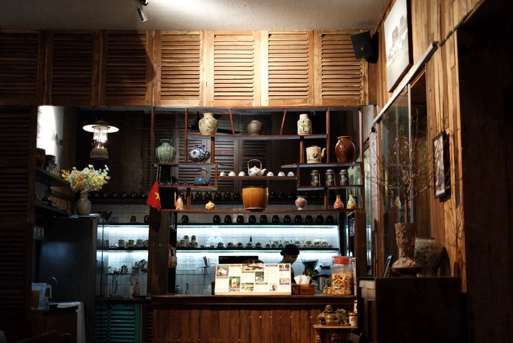 7 Recipes · C1–C7
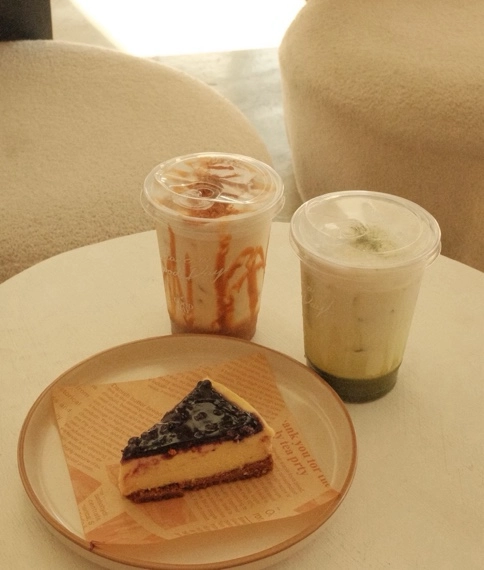
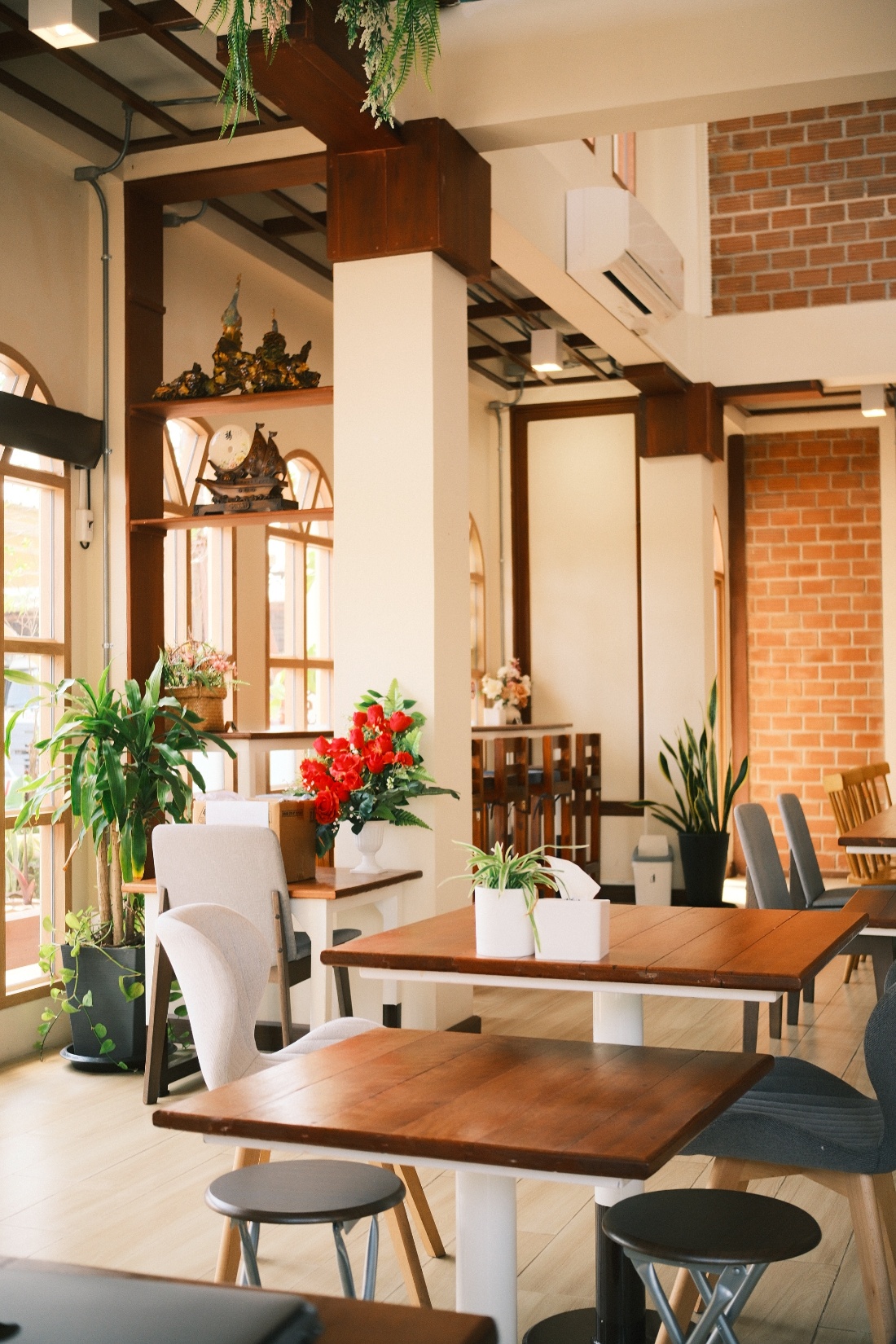
Cafés, still life and travel days
 6 Recipes · C1–C7
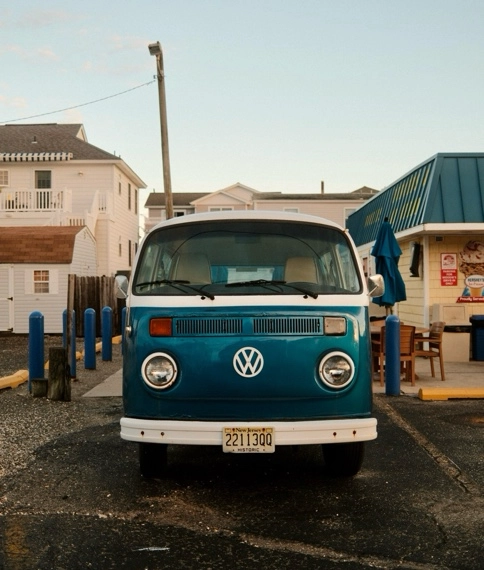 6 Recipes · C1–C7
 6 Recipes · C1–C7
 6 Recipes · C1–C7
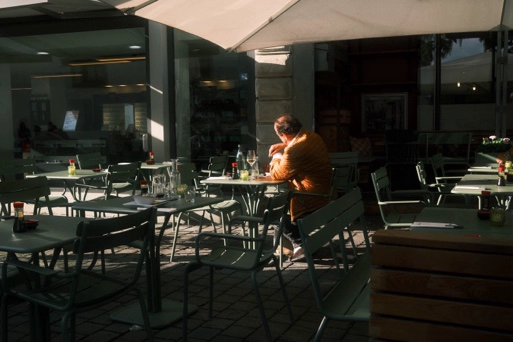 4 Recipes · C1–C7
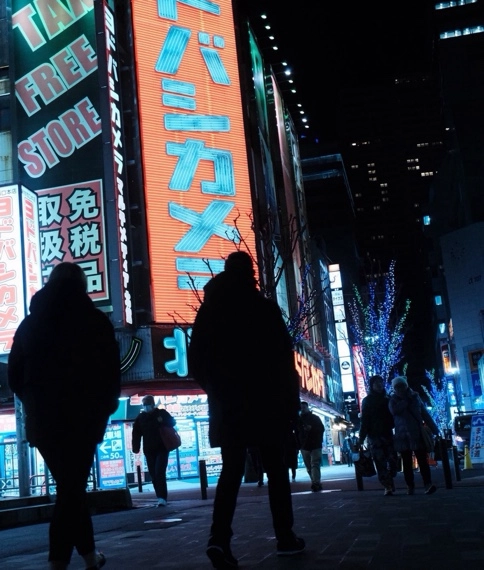 5 Recipes · C1–C7
 5 Recipes · C1–C7
Camera & Slot Compatibility
Every Fujifilm body stores a fixed number of custom settings banks, and each processor generation supports a specific set of base film simulations. Check your camera generation below before loading a full set, or read our C1–C7 slot setup guide, Bluetooth wireless import walkthrough, and USB recipe transfer guide.
| Generation | Cameras | Custom Slots | Supported Sets | Import Method |
|---|---|---|---|---|
| X-Processor 5 (7 slots) | X100VI, X-T5, X-T50, X-E5, X-T30 III, X-H2, X-H2S X100VI recipes → | C1–C7 (7 slots) | All 20 incl. Reala Ace & Nostalgic Neg | Bluetooth wireless or USB |
| X-Processor 5 (4 dial slots) | X-S20, X-M5 X-S20 recipes → | C1–C4 (4 slots) | All 20 incl. Reala Ace & Nostalgic Neg | Bluetooth wireless or USB |
| X-Trans IV (Gen 4) | X100V, X-T4, X-E4, X-Pro3, X-T30 II (7 slots); X-S10 (4 slots) X100V recipes → | C1–C7 or C1–C4 | Classic Neg, Classic Chrome, Acros & Eterna | USB cable |
| X-Trans III & early Gen 4 | X100F, X-T3, X-T30, X-T2, X-T20, X-E3, X-H1 X100F recipes → | C1–C7 (7 slots) | Classic Chrome, Acros & Monochrome sets | USB cable (or manual entry) |
Common questions on C1–C7 slot mapping, camera generation support, and importing sets with FujiStyle.
A recipe set is a themed collection of up to 7 Fujifilm film simulation recipes arranged to fill your camera’s custom setting slots (C1–C7). Instead of entering dozens of menu settings one by one, you can save a complete set in FujiStyle and import every filled slot to your camera in one go.
Yes. Cameras with C1–C4 on the mode dial (such as X-S20, X-S10, and X-M5) hold four custom recipes at a time. When you open a 7-recipe set in FujiStyle, pick the four recipes that best fit your trip or lighting and write them to C1–C4, while keeping the full set saved in the app.
Check the sensor badge on each recipe set card or filter by your camera model above. Sets using Reala Ace or Nostalgic Neg require X-Processor 5 bodies (such as X100VI, X-T5 on firmware 4.00+, X-T50, X-S20, X-M5, X-E5, and X-T30 III). Sets built on Classic Neg and Classic Chrome also work on X-Trans IV bodies like X100V, X-T4, X-E4, and X-T30 II.
No. Filled slots in a recipe set overwrite the corresponding custom bank on your camera when you confirm the transfer, while empty slots ("—") keep whatever setting is currently stored on your camera.

Use the FujiStyle App to apply recipes to your Fujifilm camera.