 7 Recipes · C1–C7
X-Processor 5
Recipe set
X-Processor 57 recipesCurated by FujiStyle18 saves
Camera compatibility · Gen 5 · includes Nostalgic Neg
Supported modelsIncludes Nostalgic Neg — compatible with X-Processor 5 bodies (X100VI, X-T5, X-T50, X-S20, X-M5, X-E5, X-T30 III, X-H2/H2S) and GFX100S+. On 4-slot dial bodies (C1–C4), choose any 4 slots when importing in FujiStyle.
Dramatic light and film-like color
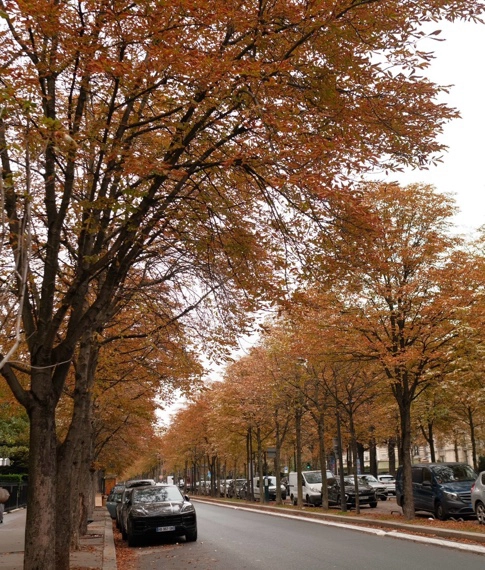
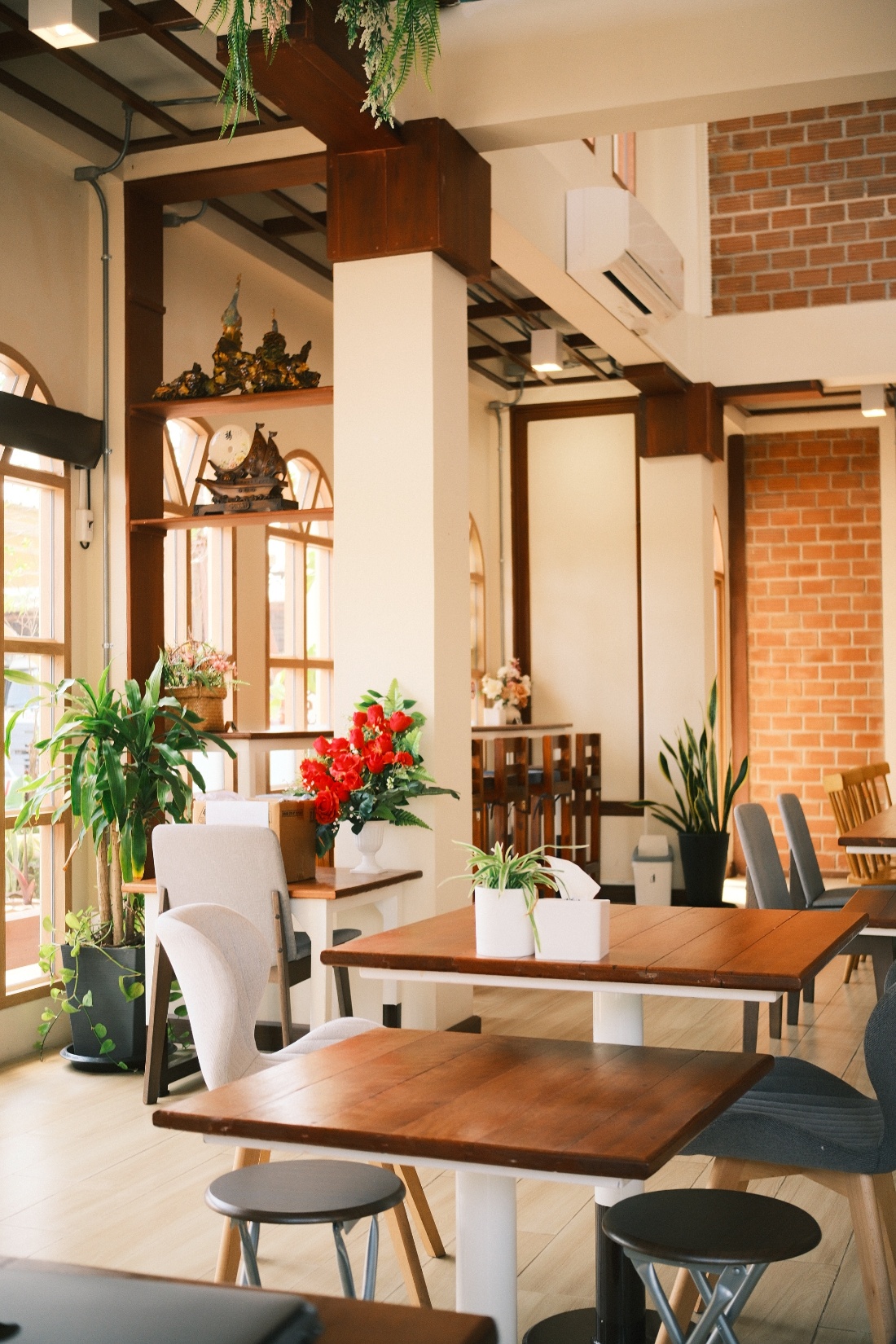
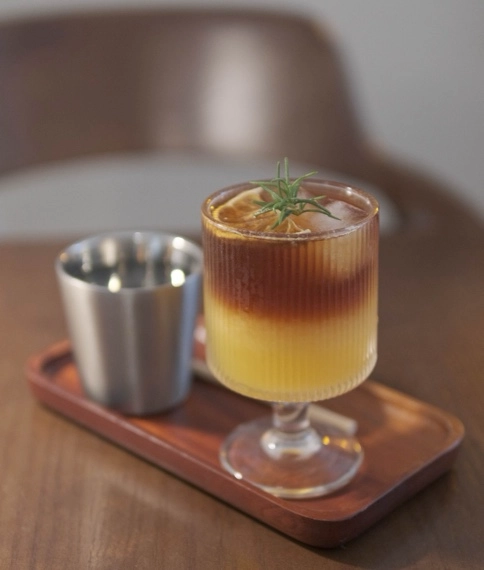
Vibrant TokyoClassic Chrome · Auto · 4470K (R +5, B -8) Cherry NegativeClassic Neg · DR400 · 6500K (R +4, B +1)
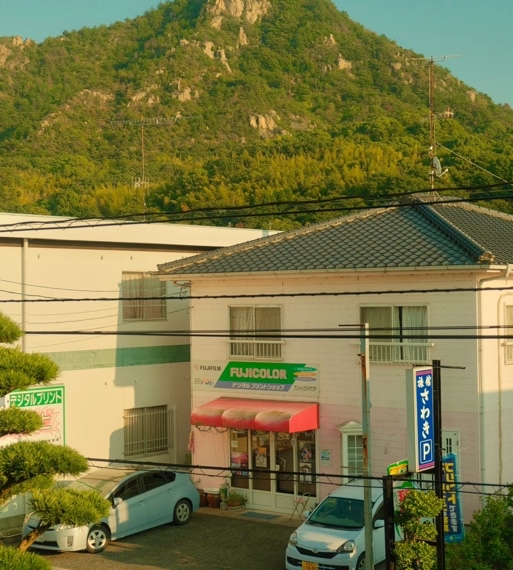
 Fuji Blue SummerClassic Neg · Auto · Daylight (R -1, B +4) · Grain Strong
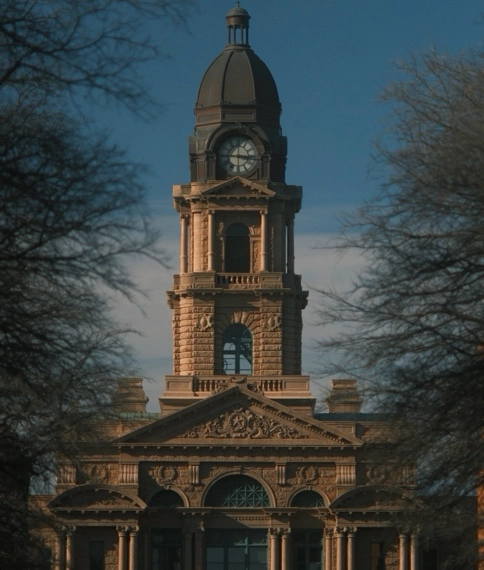 August 1969Classic Neg · DR400 · 6000K (R -2, B 0) · Grain Weak
 Vivid IslandVelvia · Auto · Auto White Priority (R +3, B -5)
 AureaNostalgic Neg · DR400 · Auto (R +4, B -5) · Grain Weak
 Wes in ItalyClassic Chrome · DR400 · Daylight (R +4, B -5) · Grain Weak
A themed collection of Fujifilm recipes, such as snowy days, summer coast or night streets, arranged to fill your camera’s custom setting slots. Import every recipe in one go, then switch looks on the camera by turning to a different C slot.
Open the set in FujiStyle
Open this page on your phone, or scan the code from a computer. Save the set to keep it in the app.
Connect your camera
Plug in over USB, or connect wirelessly on supported cameras.
Import all 7 at once
Each recipe goes to its own slot, C1–C7. Empty slots keep whatever is on your camera now.
More C1–C7 Packs
7 Recipes · C1–C7 5 Recipes · C1–C7
 7 Recipes · C1–C7
Opens FujiStyle · write all 7 in one go
Import all 7 to cameraGet FujiStyle
Free on iPhone & Android.