


Since our wireless recipe transfer feature launched, it has sparked widespread attention and lively discussions across Reddit. We’ve seen countless questions, speculations and conversations from photography enthusiasts worldwide. Many of you are asking about camera compatibility, software safety, usage risks, functional limitations and more. Thank you for all your feedback — we’ve read every comment posted in the community. To address these frequently raised concerns, we’ve put together this comprehensive FAQ post.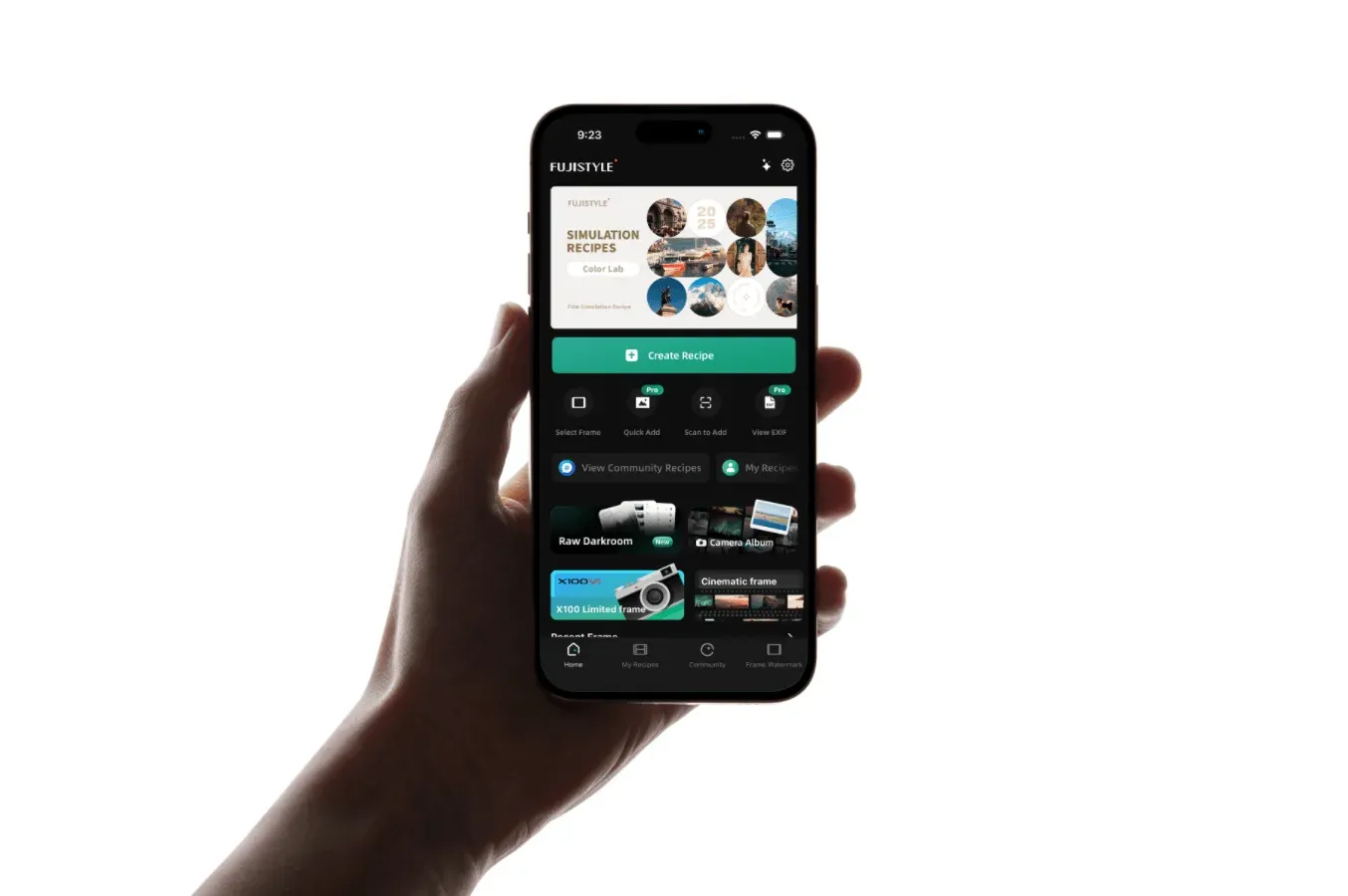
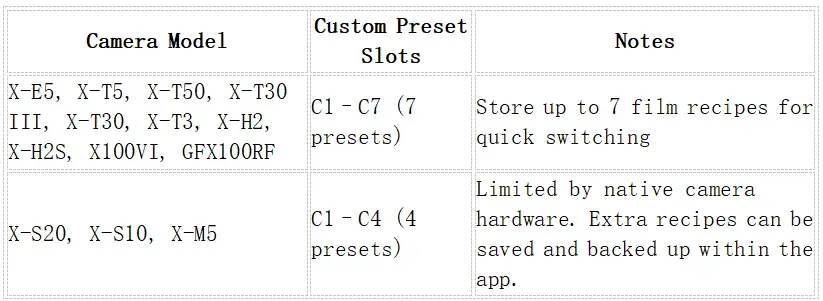
Supported Fujifilm Camera Models
Frequently Asked Questions
Q1: Can this app damage my camera?
This is the most commonly asked question, and our top priority. We have conducted rigorous internal testing to ensure data safety. Since the FujiStyle recipe feature launched in 2025, we have not received a single report of camera damage caused by this tool.
The app only communicates via the camera’s public interface and writes exclusively to your camera’s native custom preset slots. This process achieves exactly the same result as manually adjusting film simulations and saving custom C presets on your camera. We do not modify low-level firmware, alter hardware drivers, or send commands that could harm physical components such as the sensor or shutter. The app simply automates the tedious manual parameter entry workflow.
We are also actively working on further improvements, adding more in-app connection warnings with new code in development to continuously strengthen safety protections.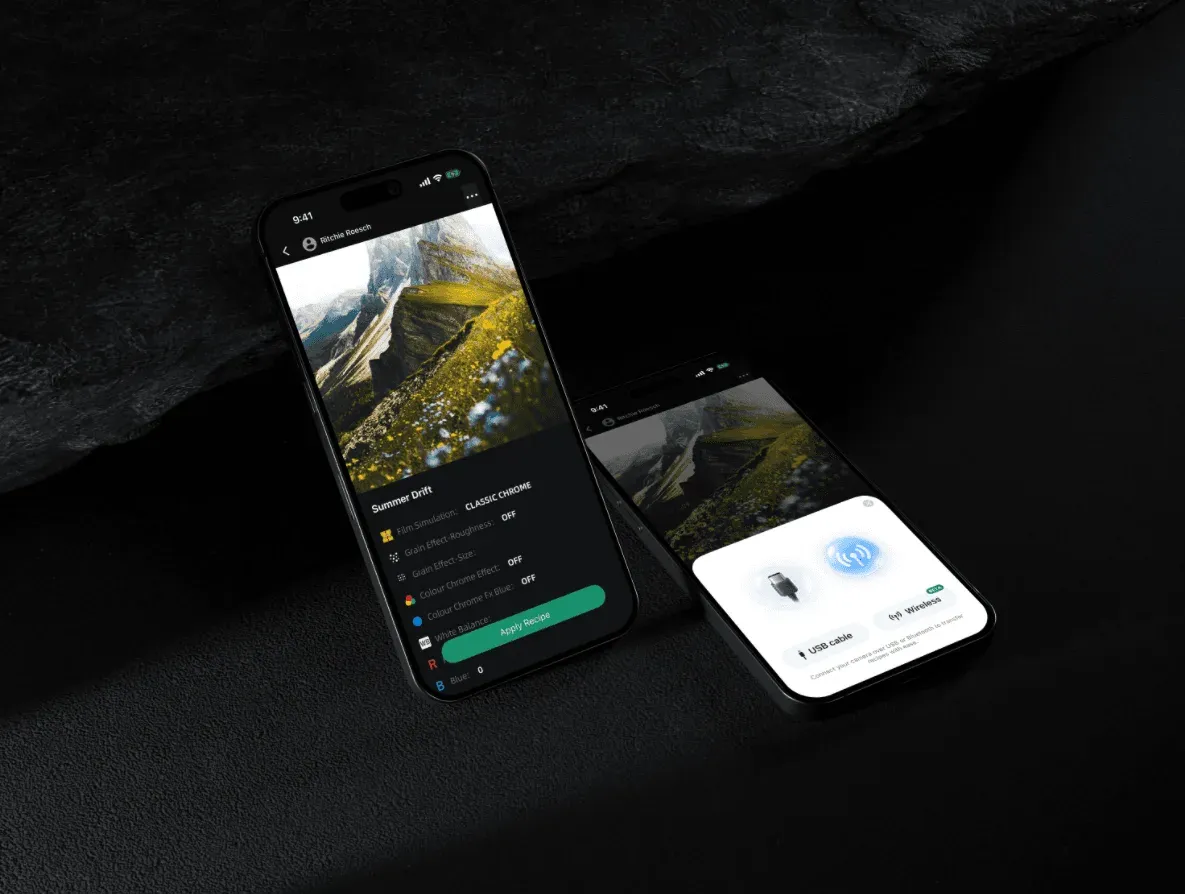
Q2: Why does wireless import fail sometimes?
Wireless connections rely on Wi Fi and Bluetooth and are vulnerable to electromagnetic interference, so occasional failures are normal.
Try these troubleshooting steps: restart your camera and phone Bluetooth, delete old saved wireless pairings on your camera, then reconnect. If you are in an environment with heavy signal interference, switch to wired USB transfer for far better stability.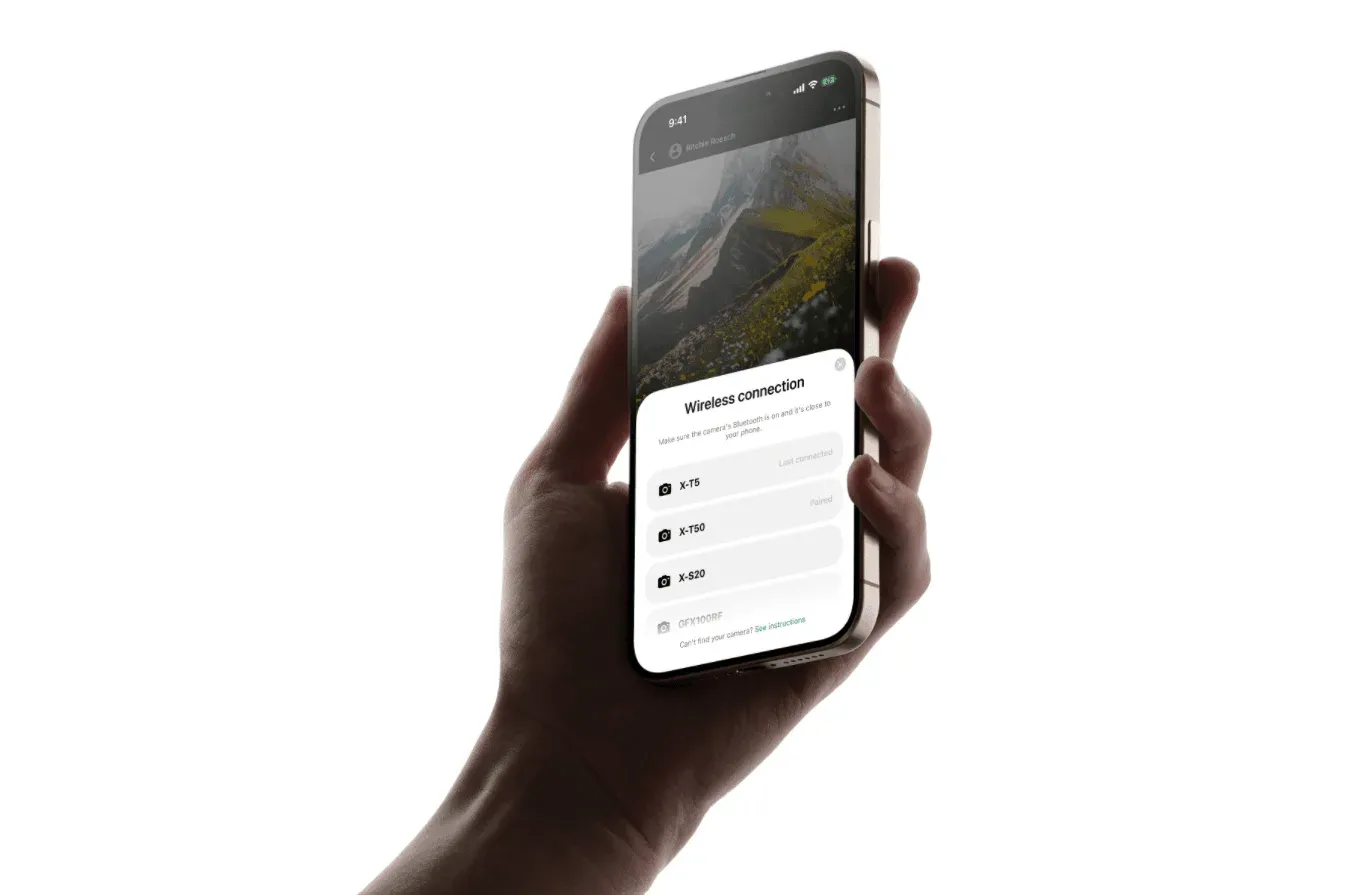
Q3: Will importing a new recipe overwrite my existing C-slot settings?
Yes. Importing a recipe will directly overwrite the selected C-slot preset.
We recommend that before importing new recipes, you save your favourite community recipes or back up existing camera presets within the app. This preserves your carefully tuned parameters and prevents accidental loss of custom settings.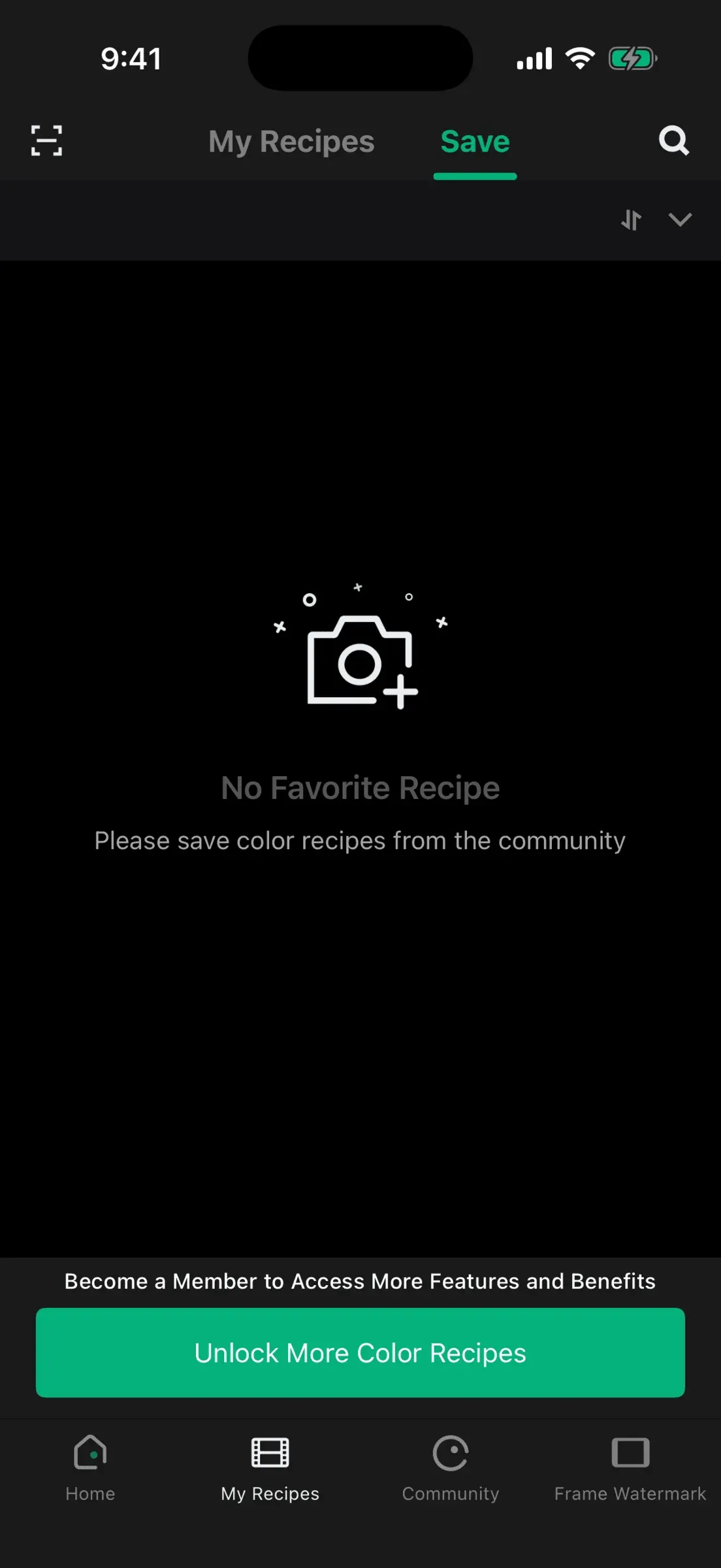
Q4: Does using this app void my Fujifilm warranty?
This is another heavily debated topic in the community, and we will break it down clearly. Fujifilm’s official warranty does not cover damage caused by misuse. Some community discussions note that even using official SDKs may be classified as misuse and impact warranty coverage.
At the software level, the app only edits native custom C presets. The resulting settings are identical to presets saved manually on the camera. Simply modifying custom presets leaves no identifiable log marking third-party app activity.
That said, camera resets cannot erase all internal records such as shutter count. Detectability depends on the connection method and the camera’s internal logging system. Physical damage from drops or other external forces will void your warranty regardless of app usage. Please weigh the risks carefully before using the tool if warranty coverage is a critical concern for you.
Q5: Do I need to register to use this app?
The iOS build of FujiStyle requires no account registration or login, and is ready to use immediately after download.
Q6: How many recipes can I import at once?
The maximum number of stored recipes is determined by your camera’s native custom preset capacity, as listed in the table above. Models with 7 slots can hold up to 7 recipes, while 4-slot models hold up to 4. Recipes exceeding your camera’s storage limit can be saved in your app library and swapped into the camera later on demand.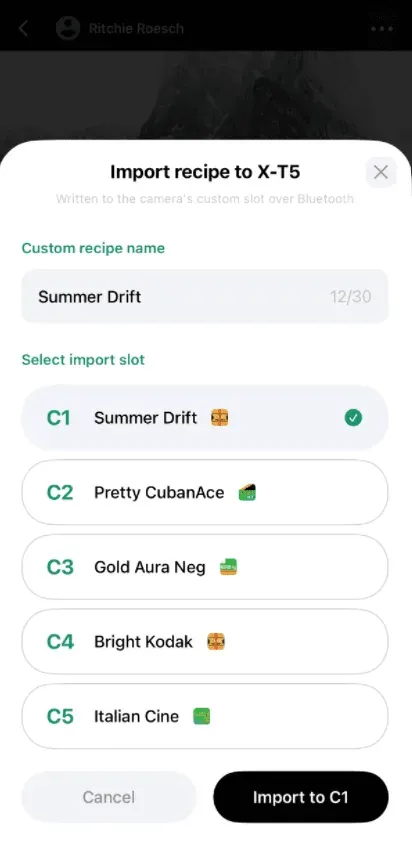
Media Recognition
FujiStyle was featured in a recent feature article by DPReview, a leading international photography publication, as one of the leading tools for Fujifilm film simulation recipes. The article suggests that third-party apps like FujiStyle may ease development pressure on Fujifilm, allowing the brand to focus on improving the reliability and compatibility of its official software. Either way, Fujifilm users now have more options than ever before.
Click to read the full article:https://www.dpreview.com/news/fujifilm-users-can-now-send-film-simulations-to-their-camera-from-their-iphone/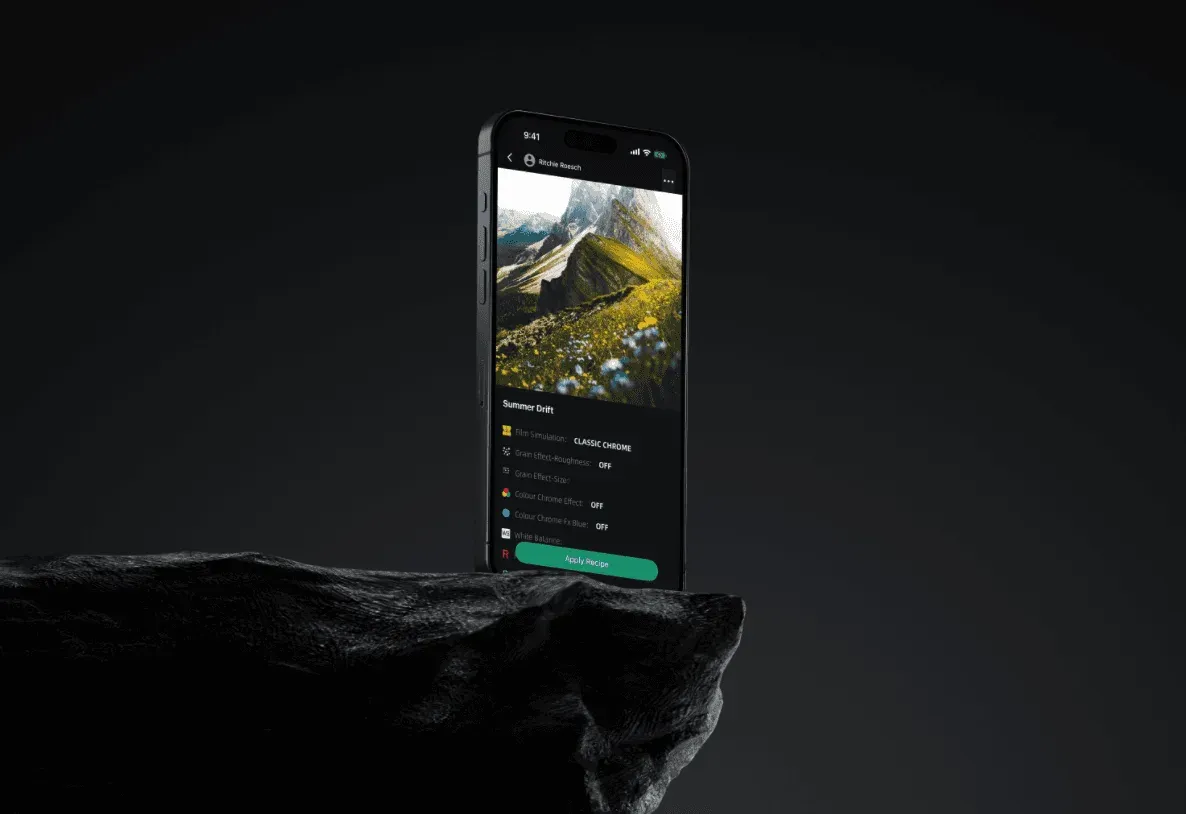
Closing Remarks
We fully understand your concerns over camera safety and warranty status — these are expensive, cherished creative tools for many photographers. Since launch in 2025, thousands of users worldwide have used the app long-term with zero reports of hardware damage. FujiStyle only automates saving native camera presets, with no deep firmware modifications.
We keep working to improve connection stability, expand camera support, and add safety prompts to refine your experience. Recipe transfer remains free for a limited time, so feel free to give it a try. If you encounter any issues while using the app, leave a comment in the community and we will respond and follow up.